


Turn your saved
TikToks and Reels
into real trips.
Share a post or a Google Maps link to Dream Trip. We find the real spots, pin them on your map, and plan your days around them.
Free on iPhone



From your feed to a real trip.
Five steps, and Dream Trip does most of them for you.
 1
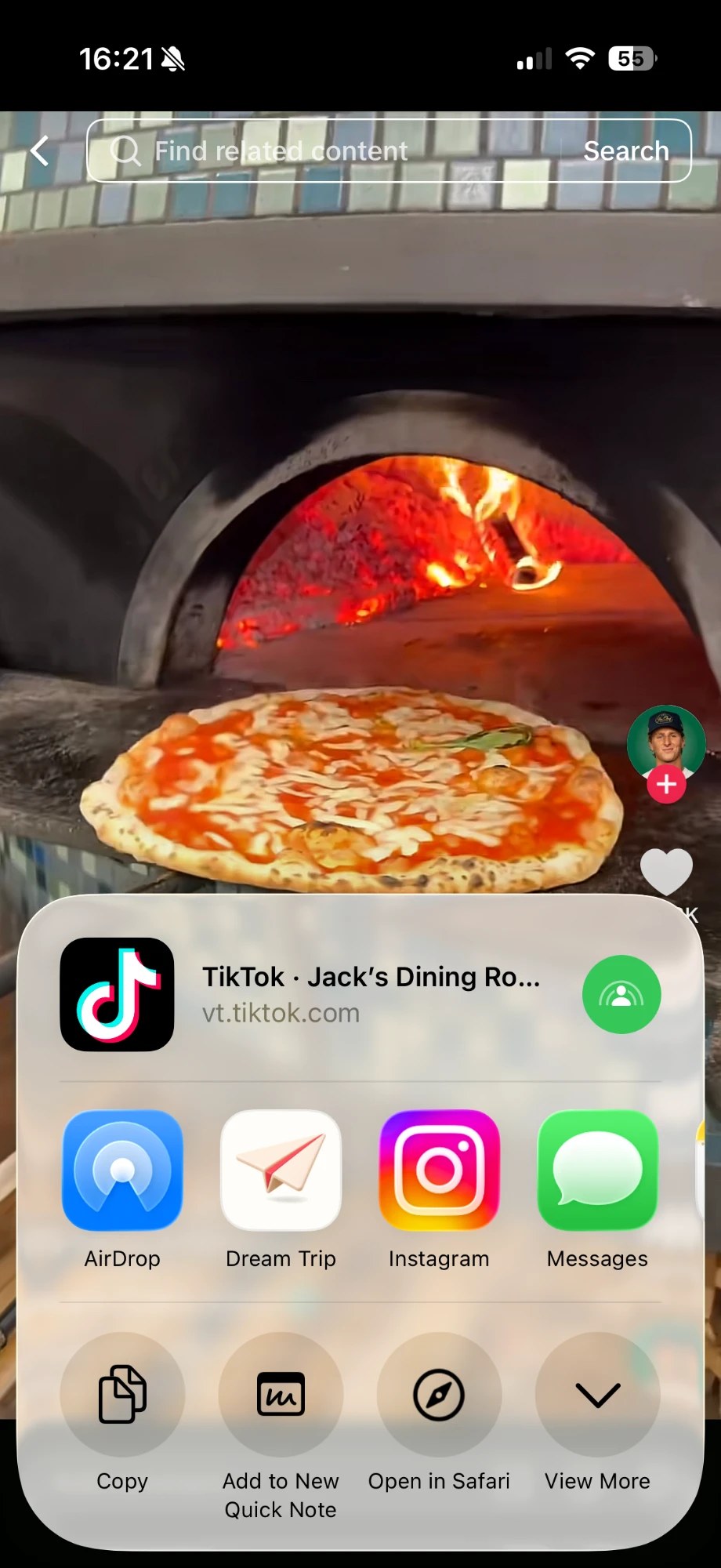
1Share it like you'd send it to a friend.
Tap Share on a TikTok, Reel, or Google Maps link and pick Dream Trip. You never leave the app you're in.
 TikTok
 Instagram
 Google Maps
- Screenshots
- Notes lists
 2
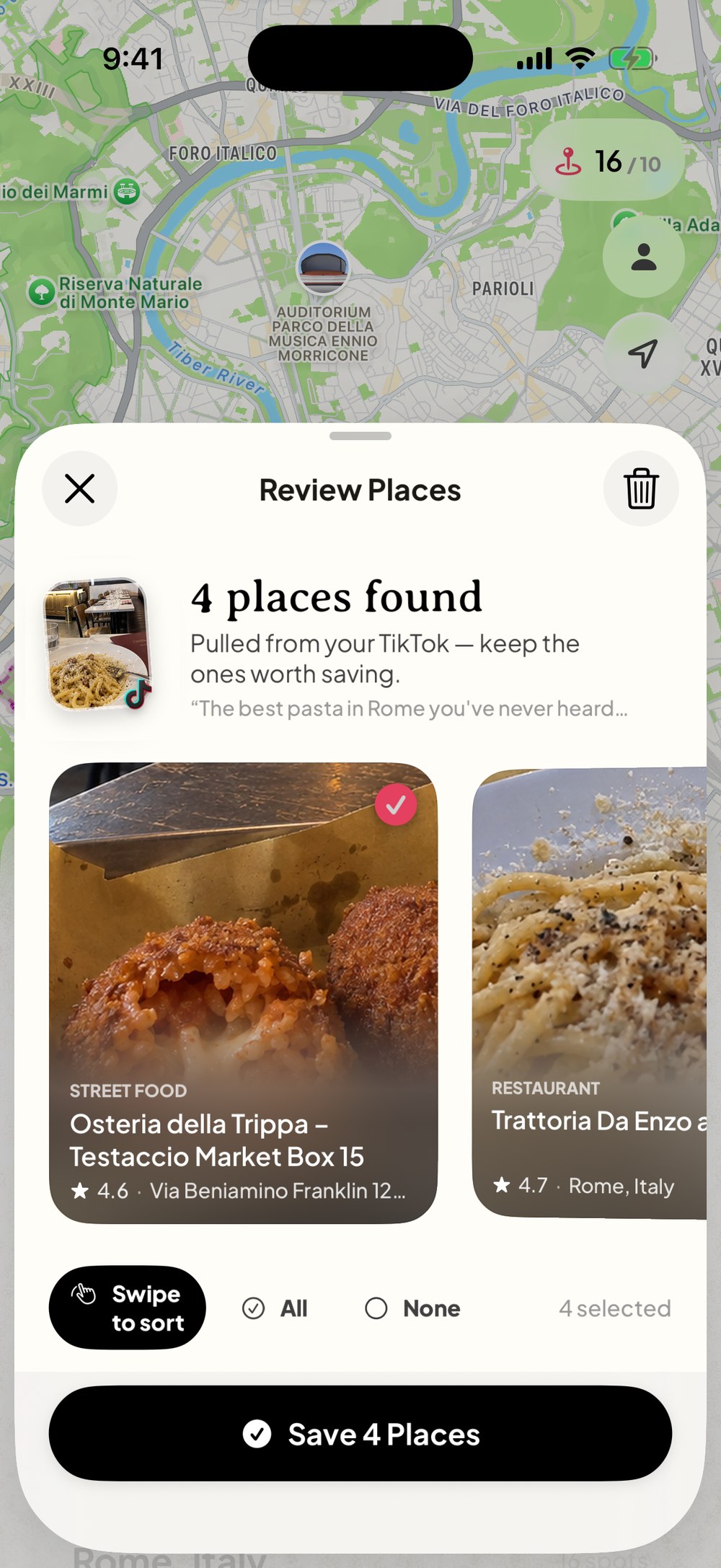
2We find every place in the post.
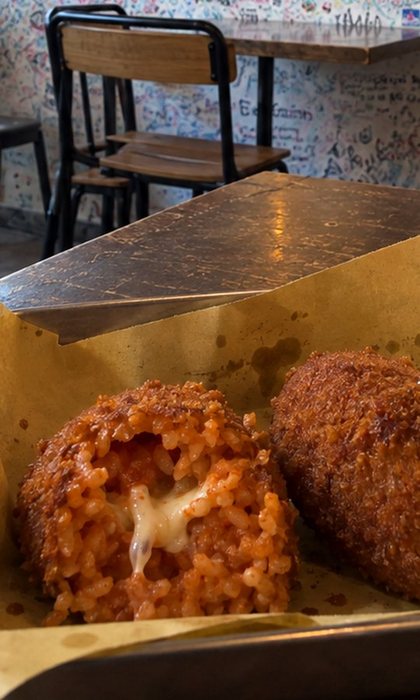
Dream Trip reads the video and its caption, finds the real restaurants, cafes, and sights, and lets you keep the ones you want.
 3
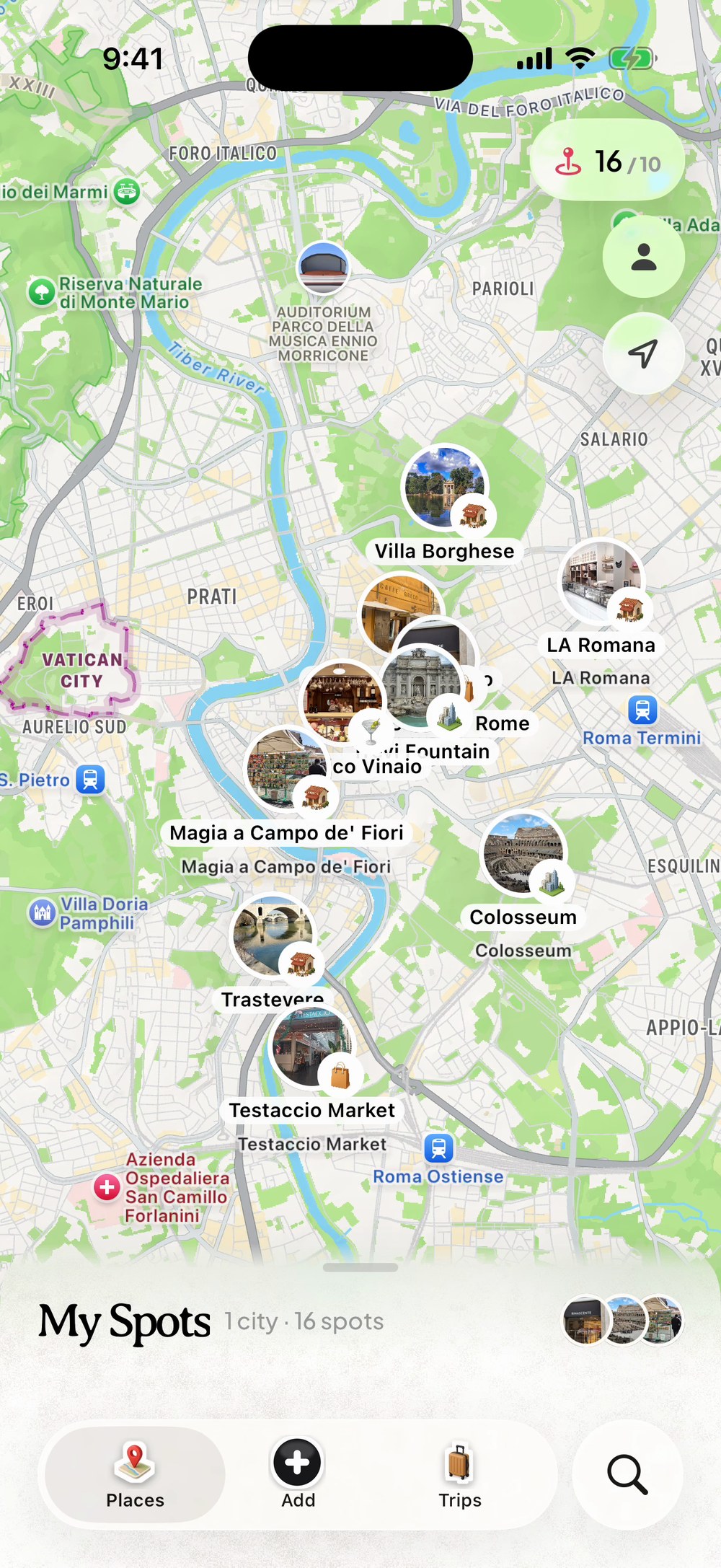
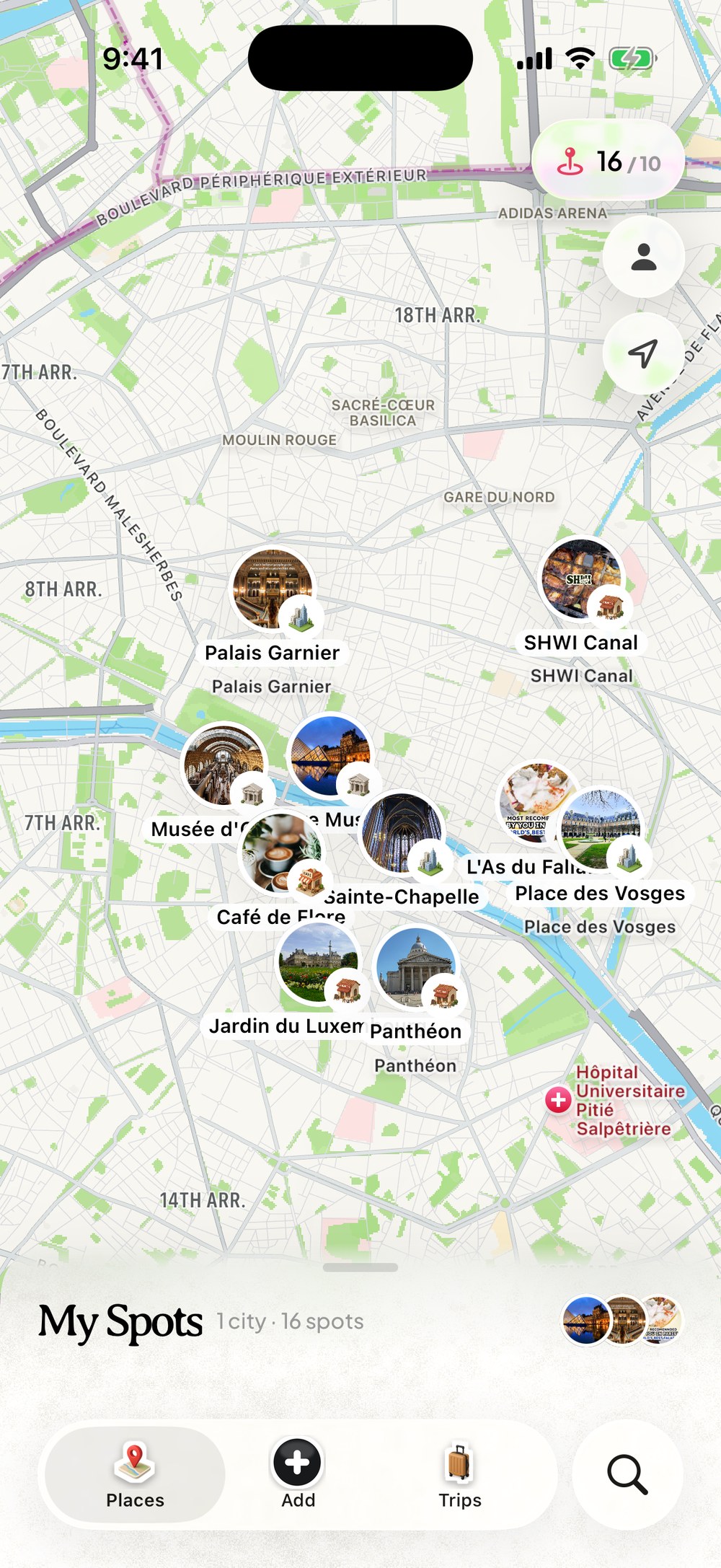
3Everything lands on one map.
Your saves pin themselves by city, with photos, ratings, and opening hours. That place from March is finally easy to find.
 4
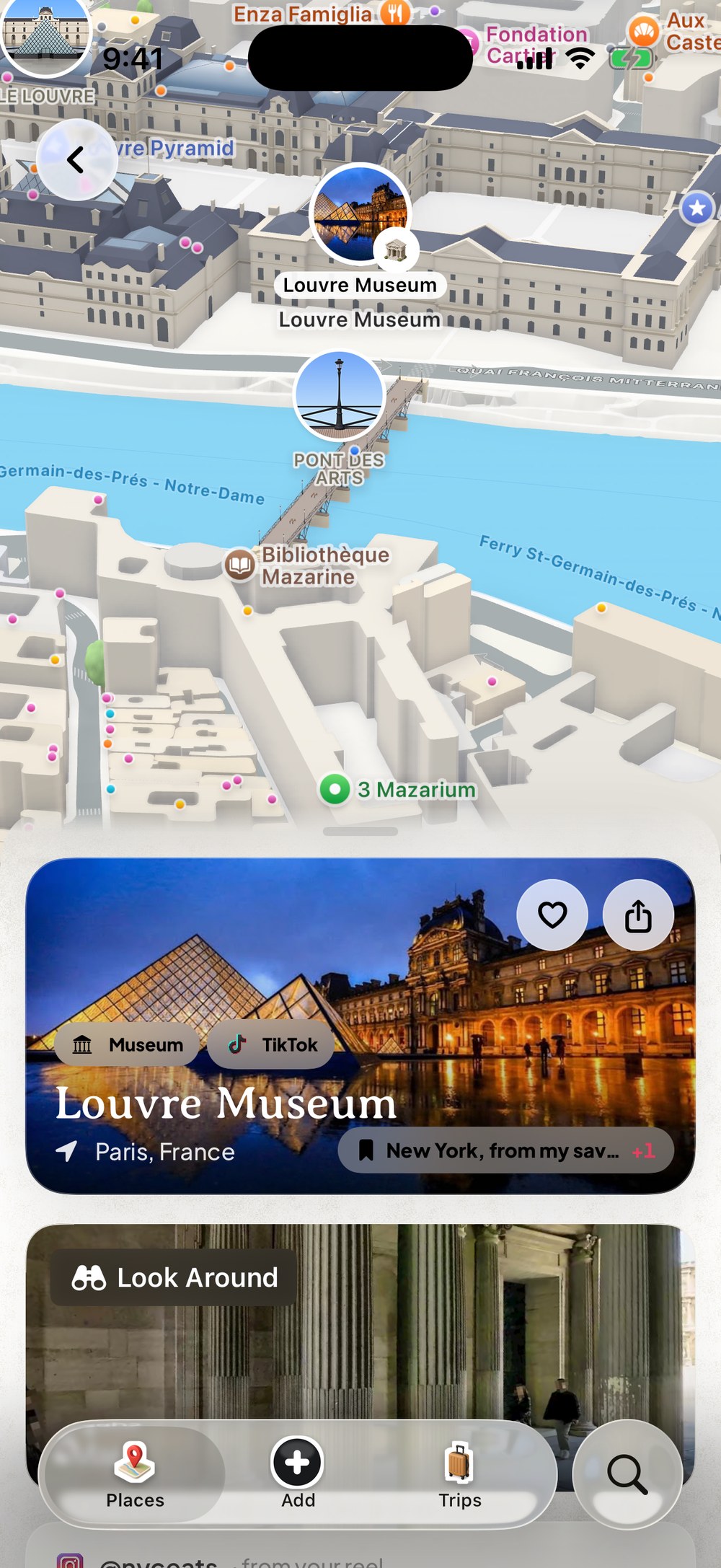
4Tap any spot for the whole picture.
Photos, what it is, where it came from, and a Look Around view of the street, with directions and Add to trip one tap away.
 5
5Pick your dates. Get your days.
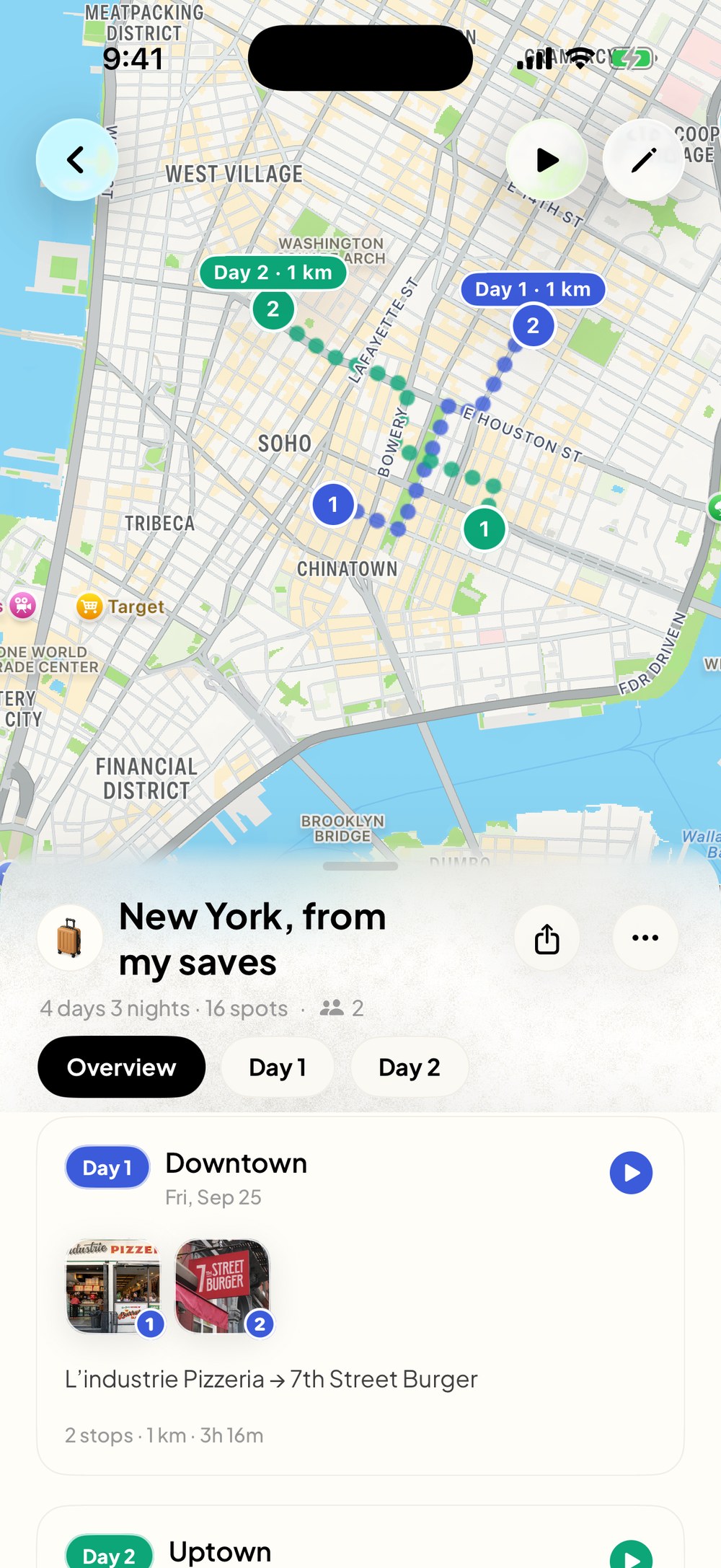
AI routes your saves into a day-by-day plan with walking times between stops, built around opening hours and meals. Move anything, anytime.
- Walking routes
- Opening hours
- Meal times


Or plan it with your AI.
Connect Dream Trip to Claude or ChatGPT and ask for the whole trip in one sentence. Your AI reads what you saved, builds the days, and the plan lands on your map in Dream Trip.
- Plans from the places you saved
- Keeps each day walkable, with food at meal times
- Change it by chat, or by hand in the app
Included with Dream Trip Pro. You set it up once, on a computer.
Plan my 4 days in New York from my Dream Trip saves. Walkable days, and keep the food spots.
 Dream Tripget_startedReadyDream Triplist_saved_places16 saved placesDream Tripget_tripOct 25 to 28Dream Tripwrite_itinerary4 days, 16 stops
Done. 16 of your saves over 4 walkable days, with the food spots at meal times:
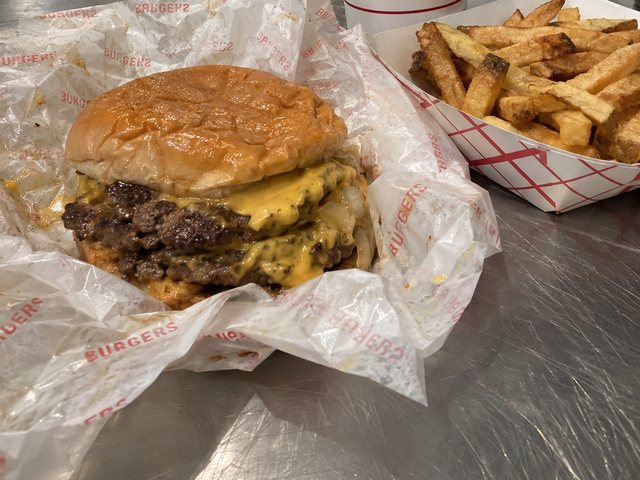
Day 1, Downtown: Leon's Bagels, L'industrie Pizzeria, Washington Square Park, 7th Street Burger
Day 2, Lower East Side: Essex Market, Tenement Museum, Katz's Delicatessen, Punjabi Deli
Day 3, Chinatown: Golden Diner, Nom Wah Tea Parlor, Jin Mei Dumpling, Funny Face Bakery
Day 4, SoHo to Gramercy: Popup Bagels, Prince Street Pizza, Oslo Coffee, Caffè Panna
Your plan is on the map in Dream Trip: Open New York, from my saves
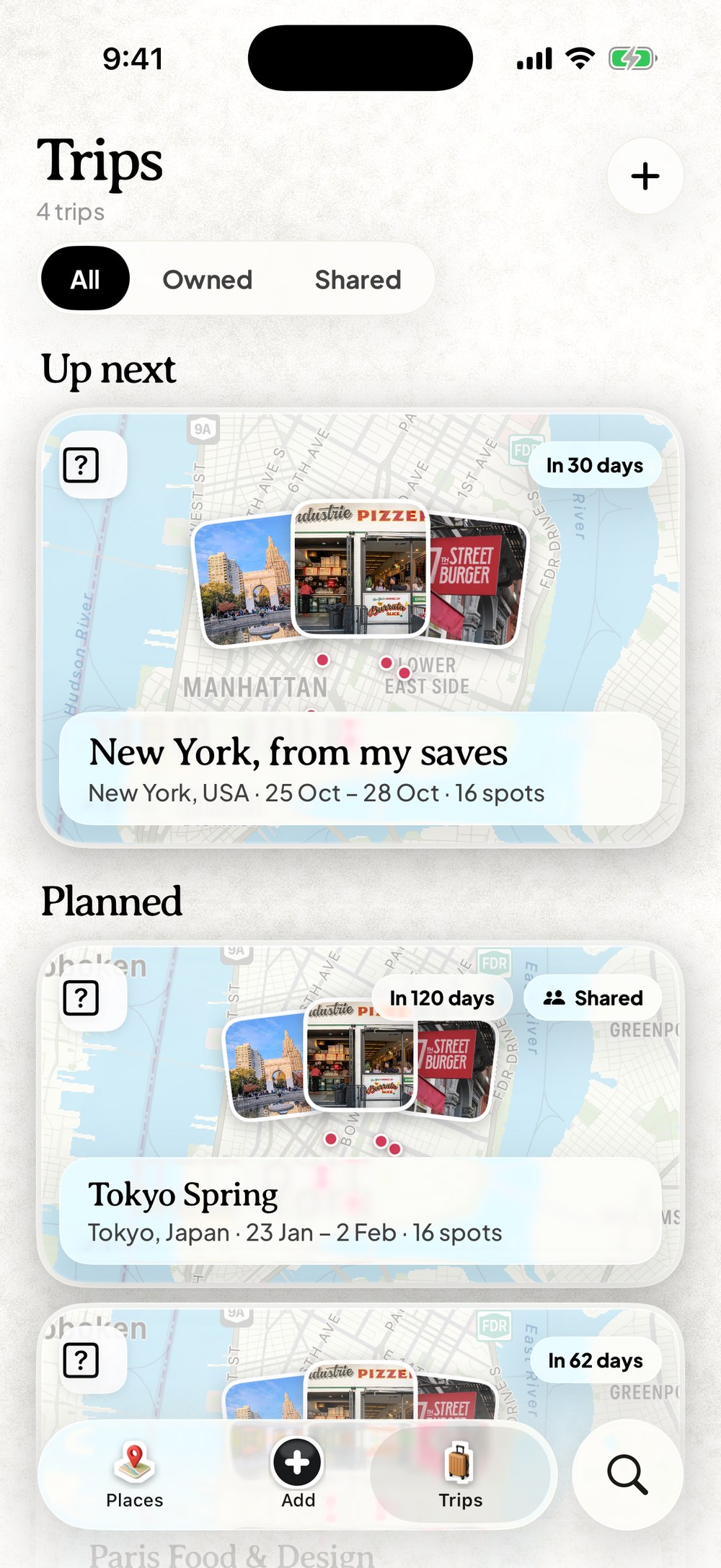
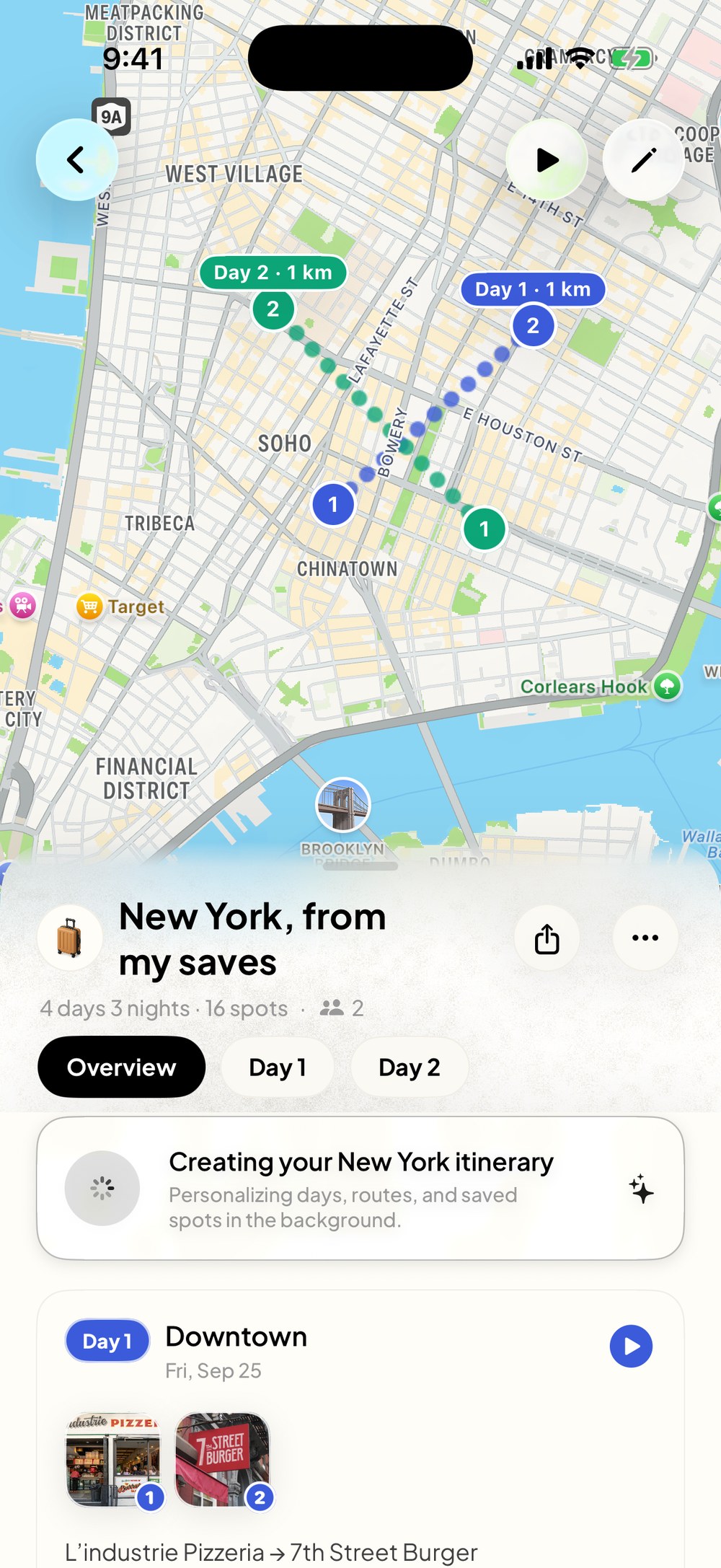
Day 1, 4 stops
Downtown
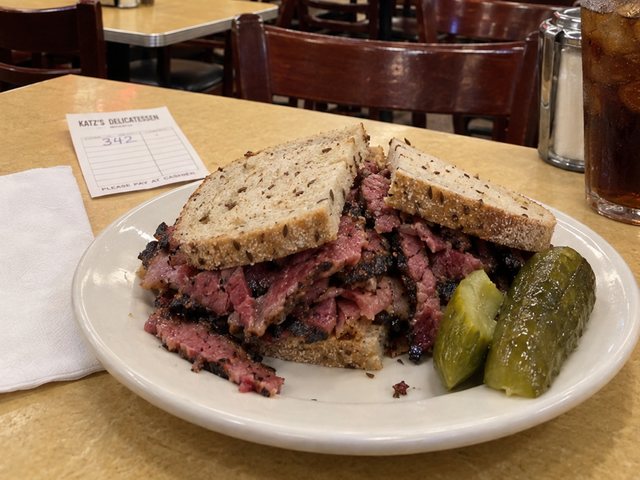
Day 2, 4 stops
Lower East Side
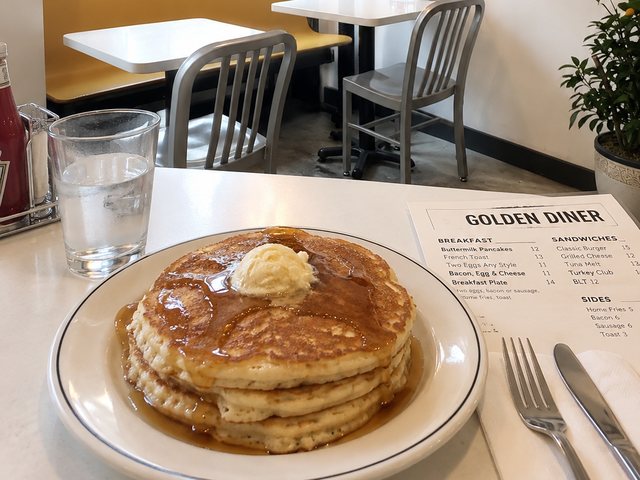
Day 3, 4 stops
Chinatown
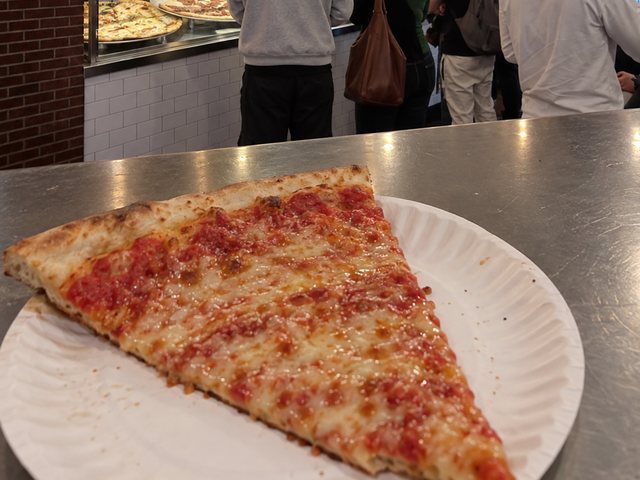
Day 4, 4 stops
SoHo to Gramercy
Made for the trips you keep saving.
Every city gets its own map, filled with the places you actually wanted to go.
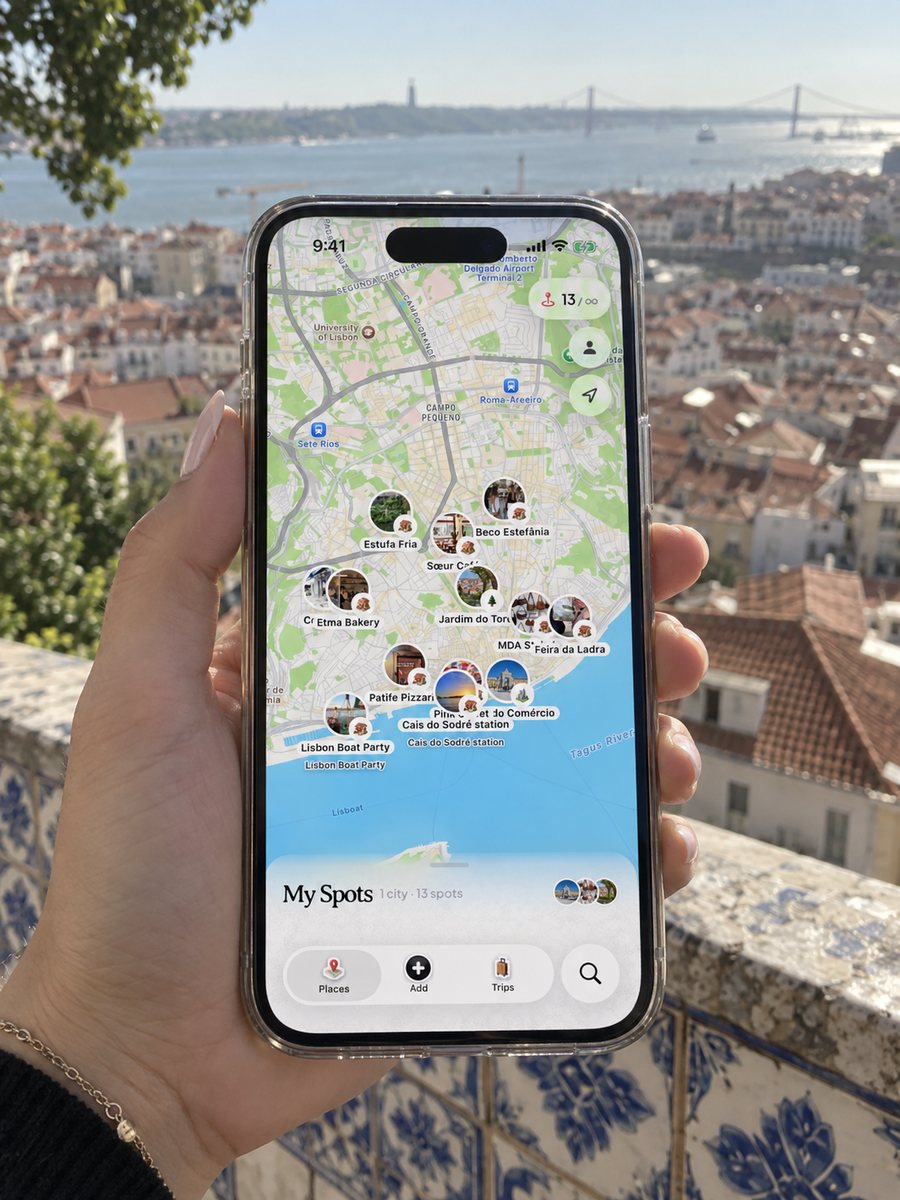
Lisbon 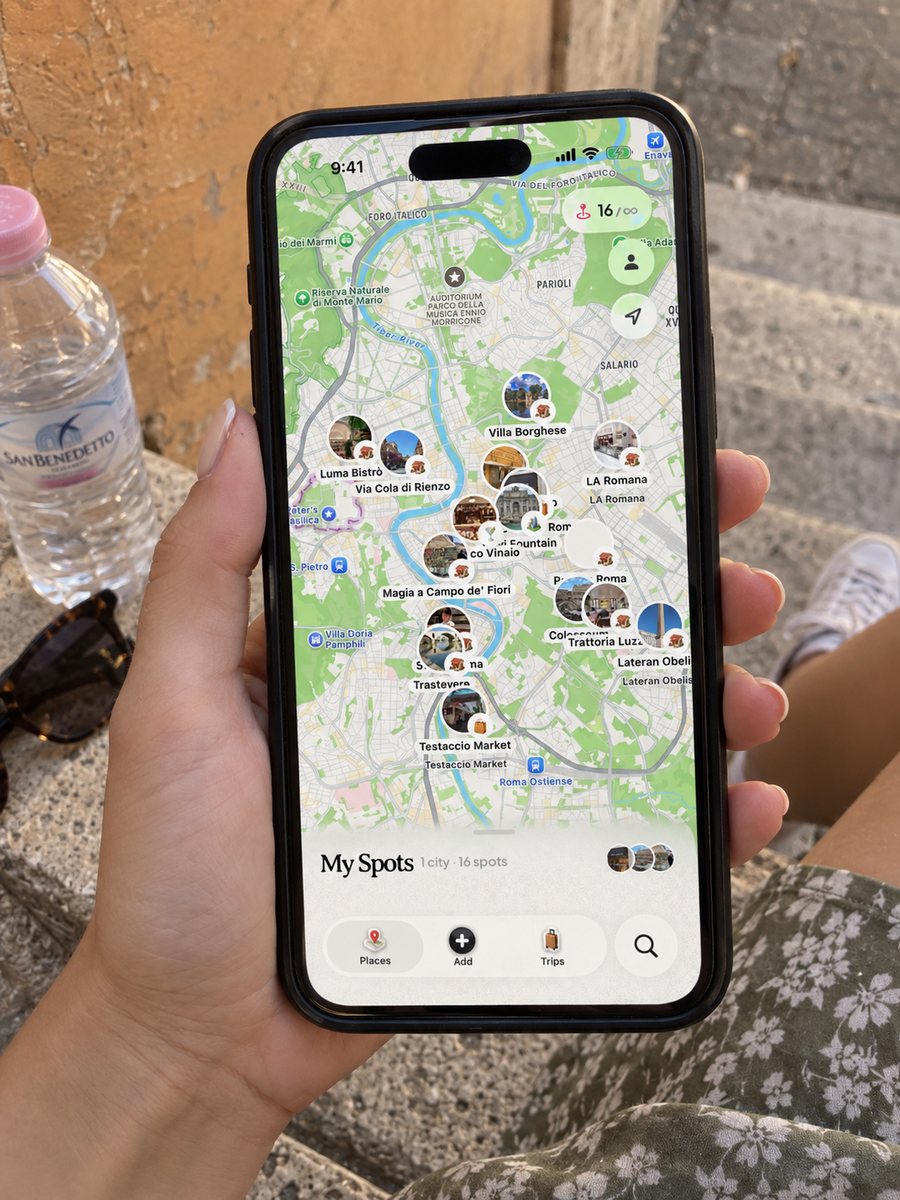
Rome 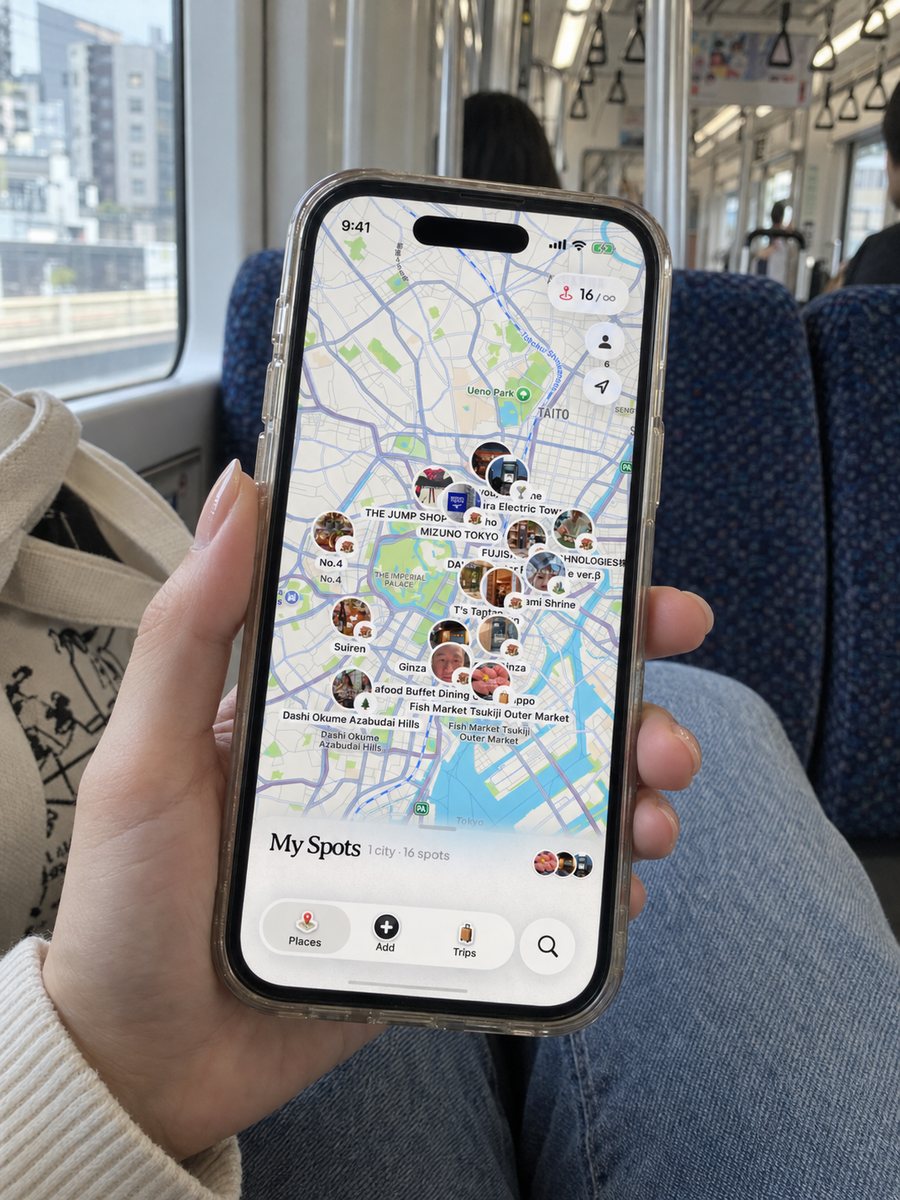
Tokyo 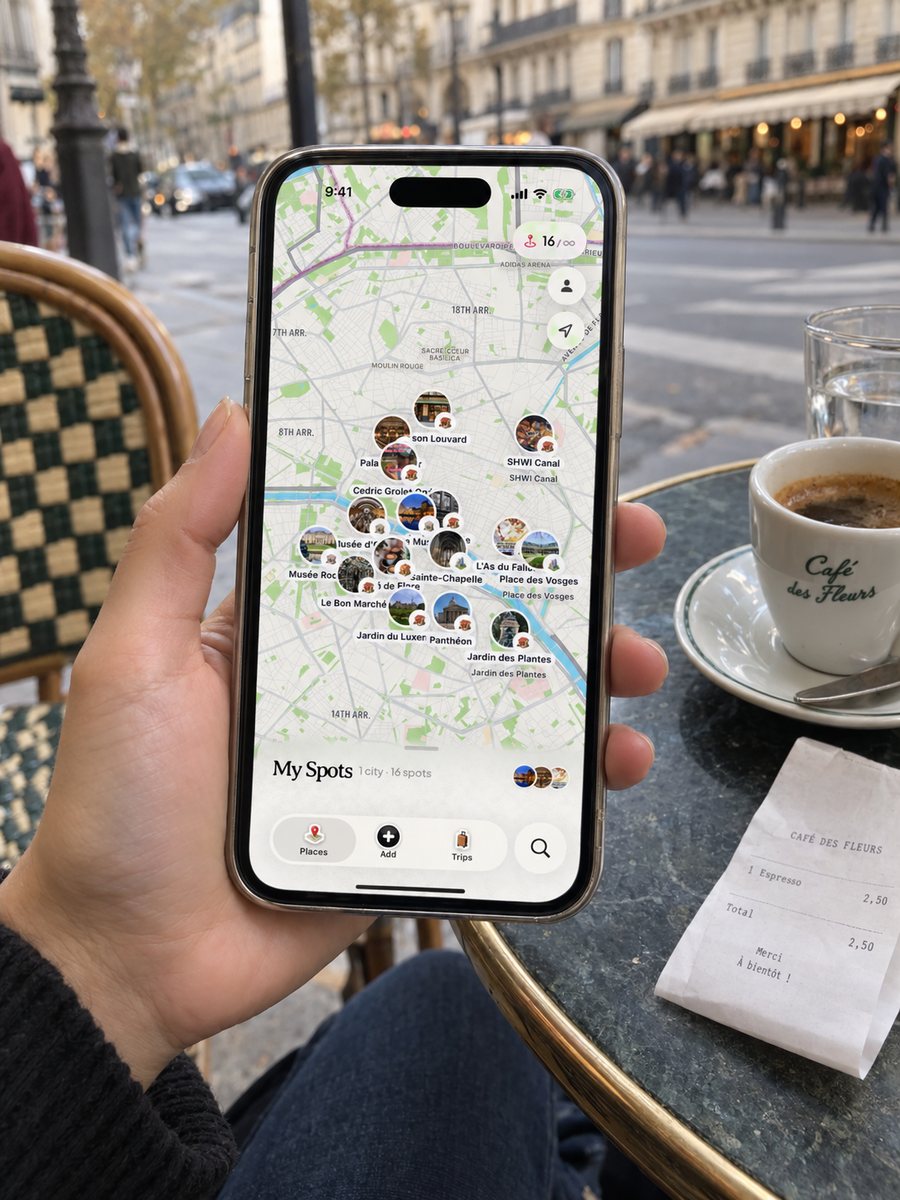
Paris 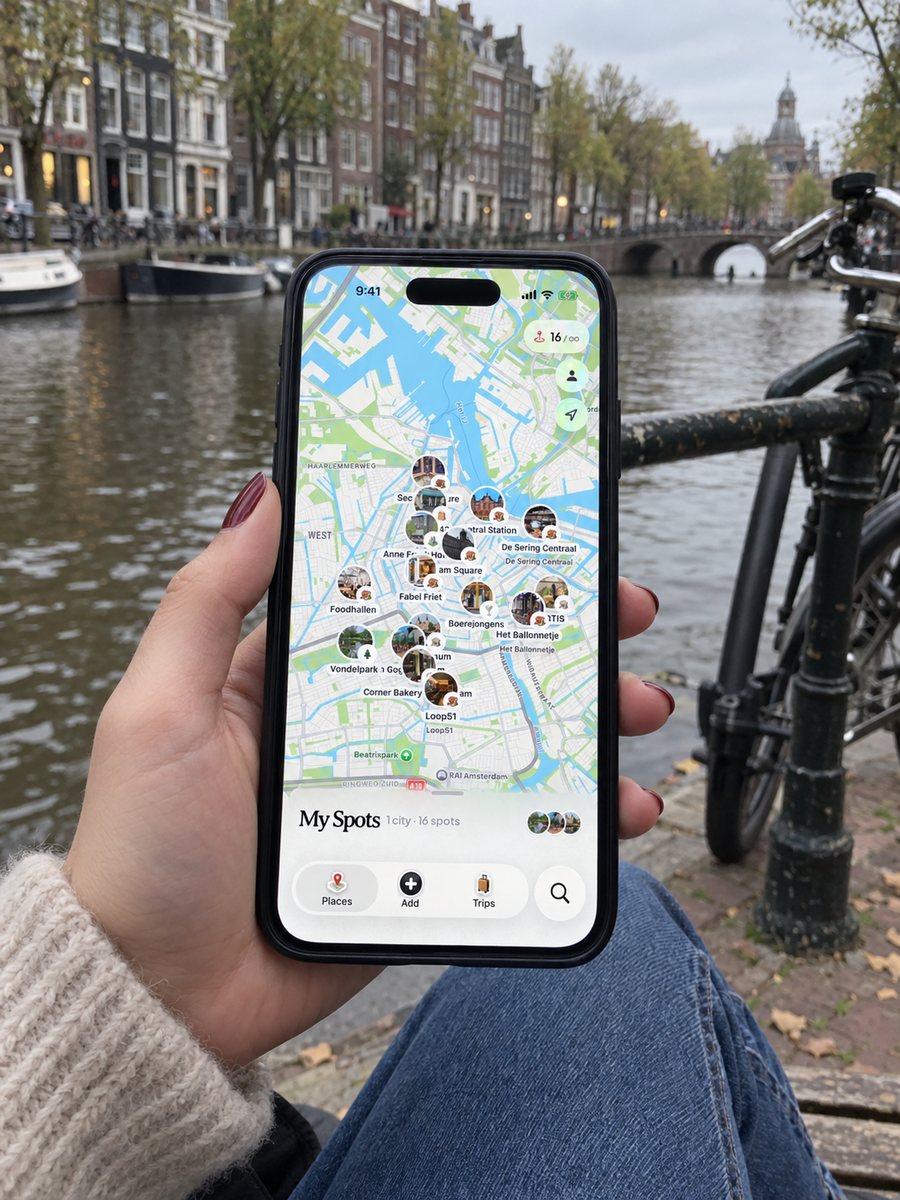
Amsterdam 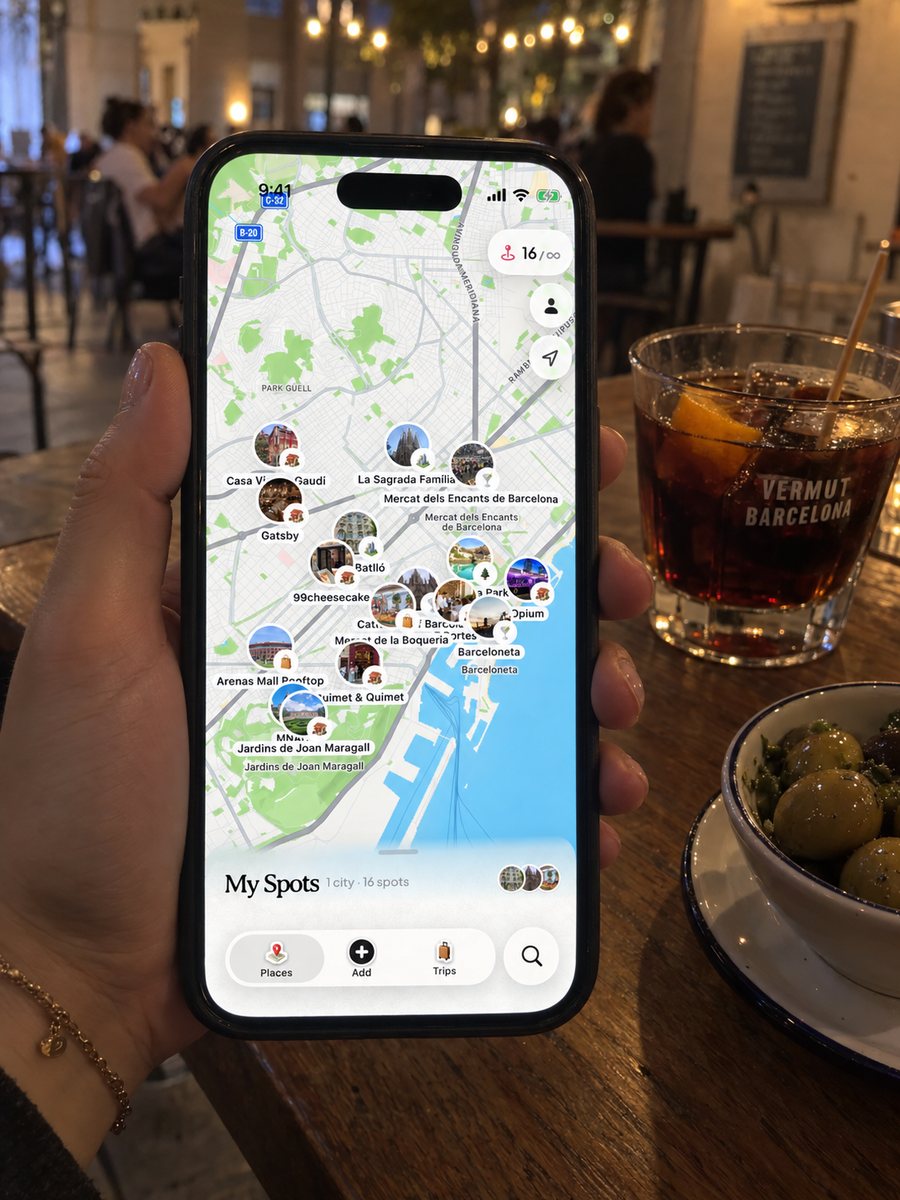
Barcelona
The small things, handled too.
Your photos, matched
Add your camera roll after the trip. Each photo finds the place it was taken.

Lists worth sharing
Tokyo food, Paris museums, honeymoon ideas. Build a list and send it with a link.
Your map on your Home Screen
A widget keeps your saved spots one glance away.

Add places any way
Search by name, drop in a screenshot, or paste a list from your notes.

In your language
Dream Trip speaks 13 languages, from Spanish to Japanese.
Saved spots, even offline
Your collection lives on your phone, so it opens without a connection.
Questions, answered.
Anything else? Write to us and we'll get back to you.
Share a supported TikTok video to Dream Trip using your iPhone's share menu. Review the places it finds before saving them to your collection. Private, unavailable, or ambiguous posts may need a manual place search.
Dream Trip is free to download and offers a free plan. Pro provides additional capacity and features. Check the current limits, subscription prices, and any trial terms in the app; they can vary by region and offer.
The AI looks at your saved places, travel times, and opening hours to build an optimized day-by-day itinerary. Pick your destination and dates, and it routes your saves into real days with walking paths between stops. You can move anything afterwards.
Absolutely. Invite friends to a trip with a link, choose whether they can edit or just view, and everyone can add their must-see spots. The plan stays in sync for the whole group.
TikTok videos, Instagram Reels and posts, and Google Maps links, shared straight from those apps. You can also paste a list from your notes, import screenshots, or search for a place by name inside Dream Trip.
Your saved spots are kept on your device, so you can open your collection without a connection. Live maps, new imports, and AI planning need internet, so we recommend generating your itinerary before you head out.

Your next trip is already in your saves.
Dream Trip is free on iPhone. Share your first post and watch it land on the map in under a minute.

Scan to install
on your iPhone
